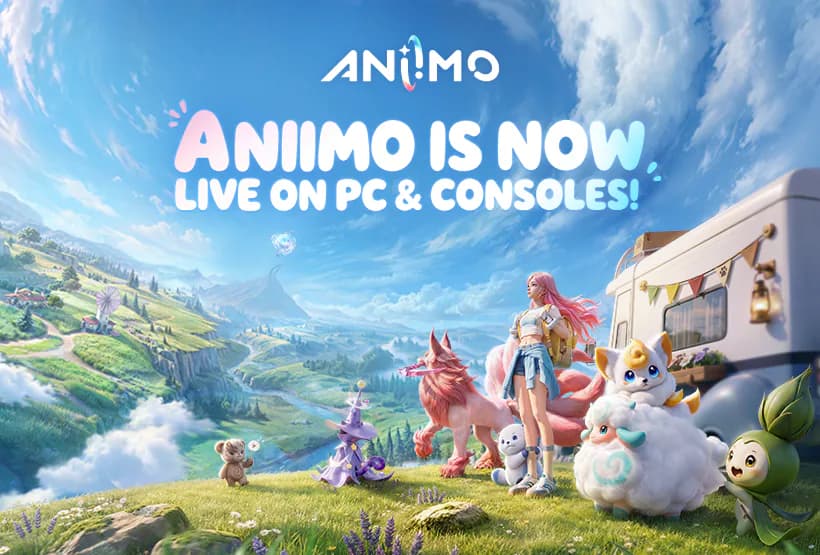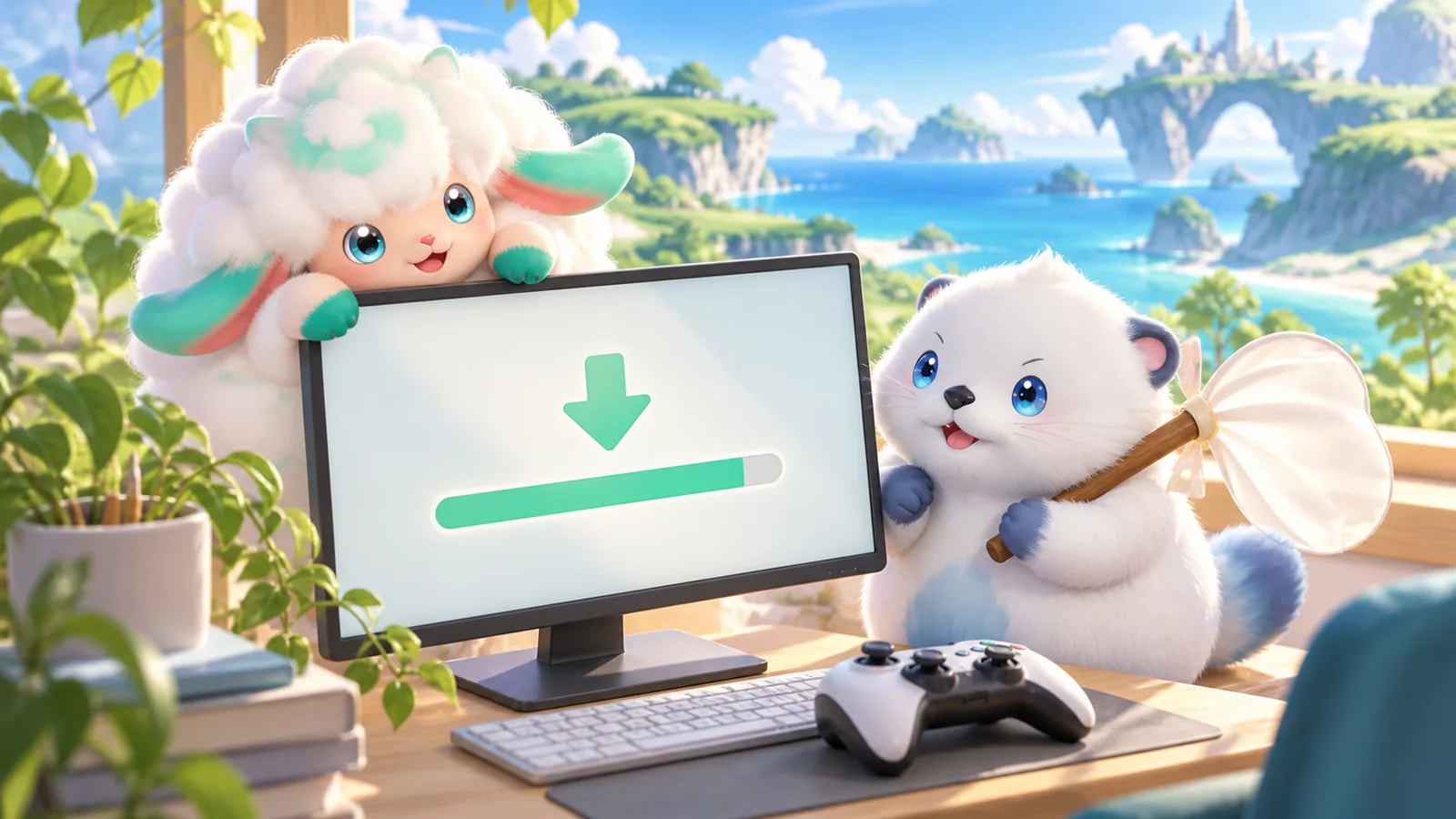
Aniimo preloading is now available for the official Windows PC client, PlayStation 5 and Xbox. The download window opened on September 14, 2026 at 10:00 UTC+8, which was September 13 at 7 p.m. Pacific / 10 p.m. Eastern.
You can get the files ready now, with servers opening two days later. The key difference between platforms: the official PC launcher is available directly, while PS5 and Xbox preloading requires a console pre-order pack. Aniimo's base game will be free to play at launch.
- Preload
- Open now
- PC storage
- At least 40 GB free
- Console storage
- 30–35 GB free
- Servers open
- September 16, 02:00 UTC
Where to download Aniimo on PC, PS5 and Xbox
| Platform | Download route | What you need for preload |
|---|---|---|
| Windows PC | Official Windows launcher | At least 40 GB free; an SSD is recommended |
| PlayStation 5 | Aniimo on PlayStation Store | A PS5 pre-order pack and 30–35 GB free |
| Xbox Series X/S | Aniimo on Xbox Store | An Xbox pre-order pack and 30–35 GB free |
On PC, download the installer, open it and choose Install Now to set up the launcher. Then use the launcher to download the game itself. Choose an SSD with enough space for the extracted files; the client installs in the launcher's directory by default.
The preload notice specifies the official Windows launcher for PC. It does not announce a Steam or Epic Games Store preload window. If you want to download immediately on PC, use the official launcher linked above.
For PS5, the download instructions specify the console's internal SSD. The console versions covered here are PS5 and Xbox Series X/S; PS4 is not supported.
Do you need to buy a pre-order pack?
For the announced PS5 and Xbox preload route, yes. Both platforms offer Advanced and Collector's pre-order packs. These are optional paid bundles, and the early download is separate from the free base game's launch.
Buying a pack does not open the servers early. If you do not want a pack, you can wait for the free base game at launch. The standalone PC download does not require a console pack.
Console pack contents arrive through in-game mail after servers open. Claim them on the console platform where you bought the pack. With account linking, claimed items can then be used on other platforms within the same server.
For the free bonuses available around release, see our launch rewards and pre-registration guide.
When can you start playing?
All three named regional servers open at the same moment: September 16, 2026 at 02:00 UTC. That is the evening of September 15 in North America.
| Time zone | Preload opened | Servers open |
|---|---|---|
| Pacific Daylight Time | September 13, 7 p.m. | September 15, 7 p.m. |
| Eastern Daylight Time | September 13, 10 p.m. | September 15, 10 p.m. |
| UTC | September 14, 02:00 | September 16, 02:00 |
| UK, British Summer Time | September 14, 03:00 | September 16, 03:00 |
| Central European Summer Time | September 14, 04:00 | September 16, 04:00 |
| UTC+8 | September 14, 10:00 | September 16, 10:00 |
The native iOS and Android launch remains September 23. This PC and console preload notice does not bring the mobile release forward. Read our mobile launch breakdown if you are waiting to play on your phone.
Xbox Cloud Gaming is also supported, with Microsoft-account playtime conditions and a fast, stable connection required. Streaming through Xbox Cloud Gaming is a separate option from installing the console client; there is no local game preload to complete for streaming.
Replace old beta clients and link the right account
Previous test clients cannot be reused. Uninstall the old beta client and install the latest launcher and game client for launch.
Before your first console login, have your existing Aniimo Pass email ready if you already registered or played a test. The first-login popup is the opportunity to link that existing account to PSN or Microsoft.
If the PC download stalls
The launcher can pause its progress bar while it processes local files. A pause does not automatically mean the download has failed. At 94%, the launcher is verifying resources, so give it time to finish.
If an installation or verification error persists, close the game client and use Settings → Quick Repair in the launcher's top-right corner. Also check that the installation drive still has enough free space for the extracted game.
For unresolved problems, contact Aniimo customer support at [email protected]. While the download runs, you can join an Aniimo Together squad and collect the web event's daily supplies before launch.