Aniimo's October fixes cover more than menu performance: they address combat crashes, black screens, a consumed Egg Heist key and a controller selection problem that could send a rare item to the wrong creature. The most useful retry is the exact interaction that interrupted your previous session.
Restart the client and complete its resource download first. Then use the affected system below to decide what is worth testing, rather than changing several graphics options before checking whether the original obstacle has been fixed.
- Updates covered
- October 12–17 fixes
- Platforms
- PS5 and Xbox, plus shared fixes
- Before retrying
- Restart and update resources
- Valuable-item check
- Read the selected creature before confirming
The console menu-lag fix addresses severe delay when opening the menu. The October issue log also records two distinct black-screen fixes: persistent Ultimate visual effects after extended play, and viewing a creature in the Aniilog before returning to the world.
| Original interruption | The interaction to revisit |
|---|---|
| Opening the menu caused severe lag | Open the menu during ordinary world play |
| Ultimate effects led to a black screen after extended play | Revisit the affected combat activity |
| Aniilog viewing left the world black | Open the entry, then return to the world |
These are separate symptoms. If one returns, identify which action produced it instead of describing every black screen as the same problem. A report that names the platform and the transition is more useful than a list of settings changed afterward.
Holo-Battle and duels are worth a focused retry
The October 15 console update addresses increased crash risk in Holo-Battle Sim, Holo-Battle Interlink and NPC duels, alongside slow loading in Sim, Interlink and Operation: Egg Heist. The issue log separately records an Xbox memory problem during prolonged Interlink battles.
For a returning Interlink group, start with the route that was interrupted. Progress is tracked by the best result on each of three routes, with the combined star total determining milestone rewards. That gives the retry a concrete destination instead of asking the squad to replay everything.
The Interlink guide explains the three-route reward structure, and reset timers helps you place the weekly deadline on your own clock.
Home management: Select All, button conflicts and quantities
Home has three relevant changes: controller batch acceleration gains Select All, conflicting Home Management buttons are addressed, and a furniture purchase quantity should no longer unexpectedly switch back to one.
| Home action | Change to check |
|---|---|
| Accelerating several facilities | Select All support on controller |
| Using Home Management | Conflicting button assignments addressed |
| Buying several furniture pieces | Purchase quantity no longer unexpectedly resets to one |
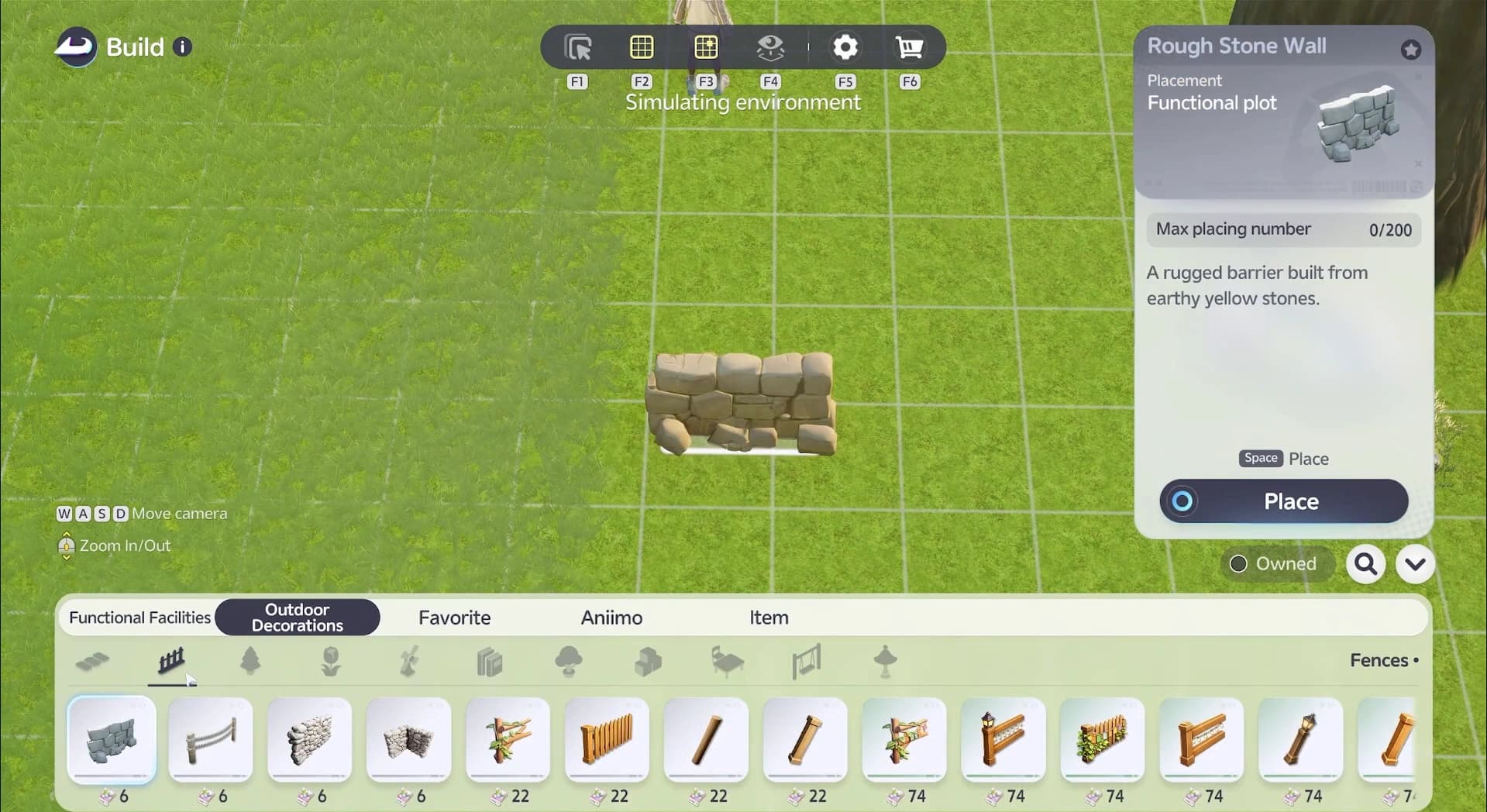
Use the Homeland guide for the underlying facility and building systems. The quantity fix matters most when a project calls for repeated pieces, so verify the selected count on the purchase you intended to make.
Egg Heist: consumed keys and the nickname display
A shared fix addresses an Egg Heist door remaining closed after consuming its required key. Console fixes also correct offset Aniimo nicknames in the mode. Those are distinct issues: a repaired label does not change the key requirement, and the door fix does not grant an extra key.
On your next run, the relevant test is the same keyed interaction that previously failed. Keep the run's preparation and escape plan intact instead of treating the fix as a change to the mode's difficulty or rewards.
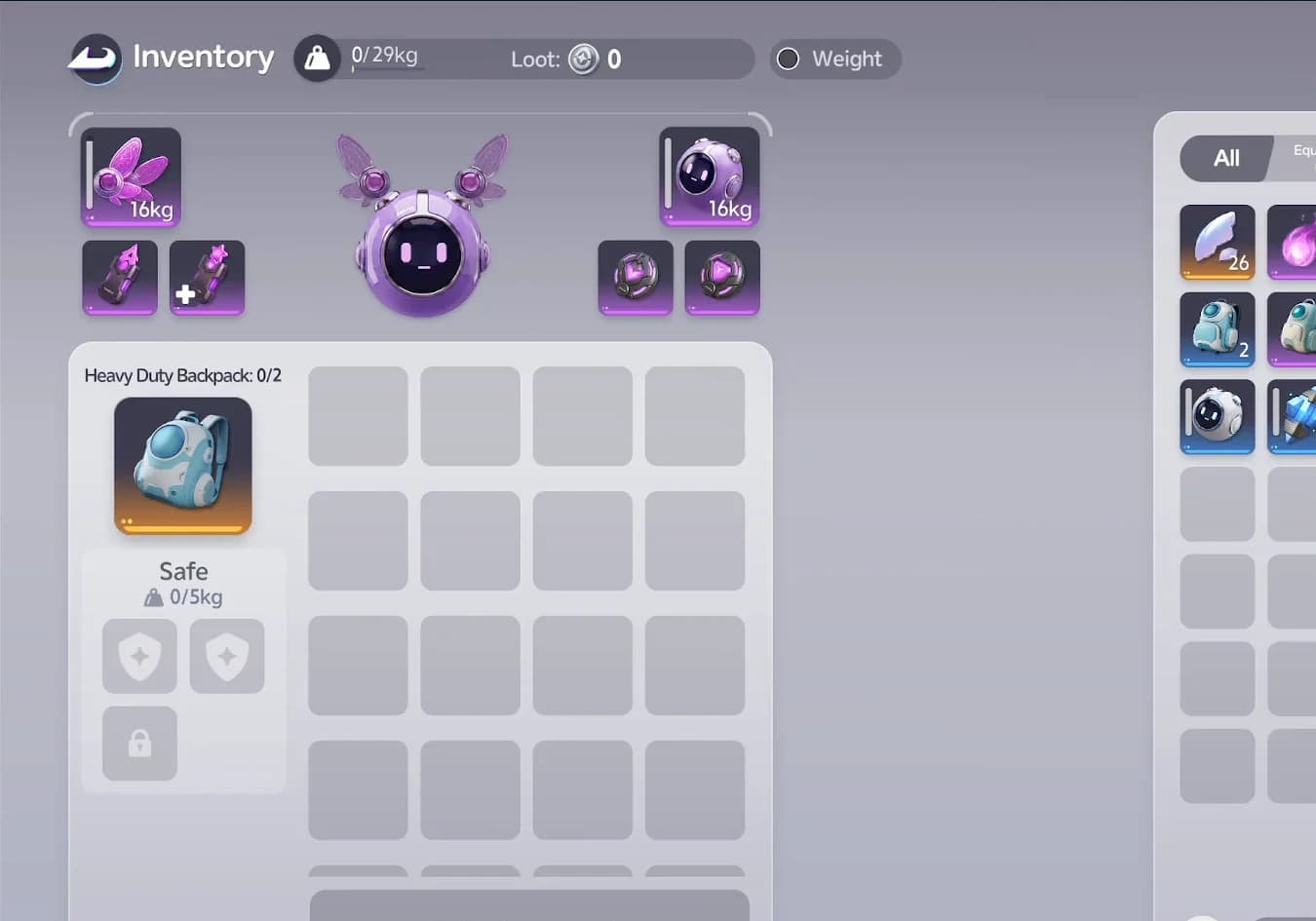
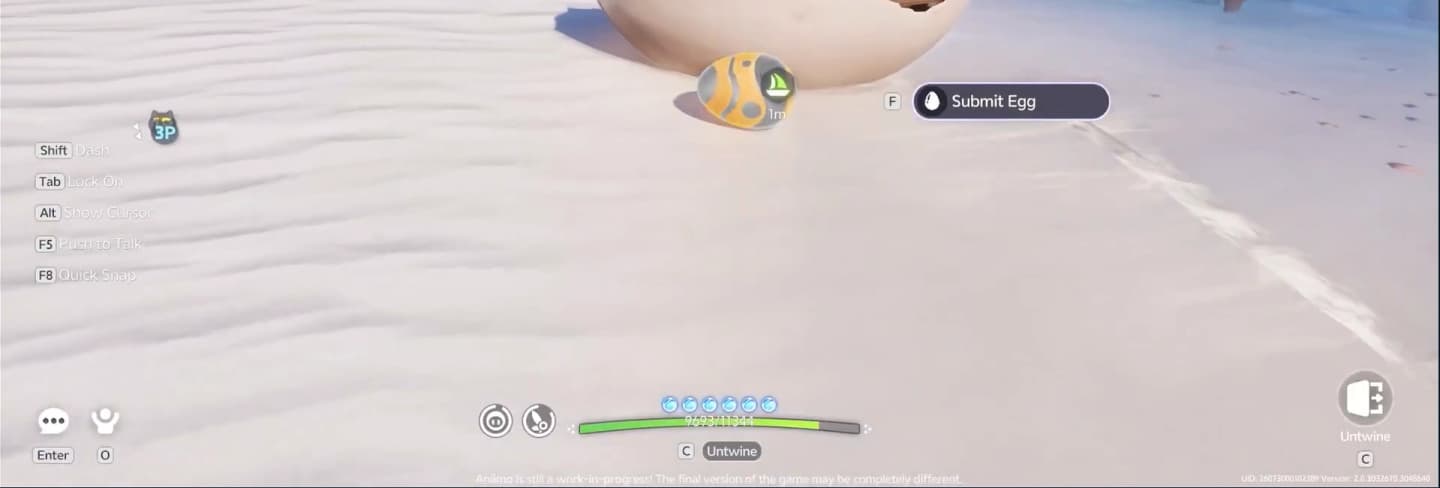
The Egg Heist guide covers the full run; the gear guide covers the separate mode equipment. Neither a key-door repair nor a nickname correction replaces those preparation rules.
Rare-item targeting deserves a confirmation check
The controller update fixes a mismatch between the focus indicator and the selected Aniimo. That mismatch could cause a rare item, including Sparkling Sigil, to be used on the wrong target.
The Sigil's effect is specific: it transforms an Aniimo into a Sparkling Aniimo. It can also be exchanged for Sparkling Pigments at an Outpost Vendor. That makes choosing the intended action and creature important even after the selection fix.
- 1Read the item action
Distinguish using the Sigil on a creature from exchanging it at a vendor.
- 2Read the target's name and form
Confirm the creature selected by the current interface.
- 3Read the final confirmation
Complete the action only when it matches your intended use.
For the collection implications, see the Sparkling guide. Record the exact item, target and platform if a selection mismatch recurs; that is the useful evidence for a targeting report.
What to record if the original interruption returns
The aim is to recover the activity the bug interrupted: a star reward, an extraction or a building project, with enough detail to identify the same problem if it returns.