

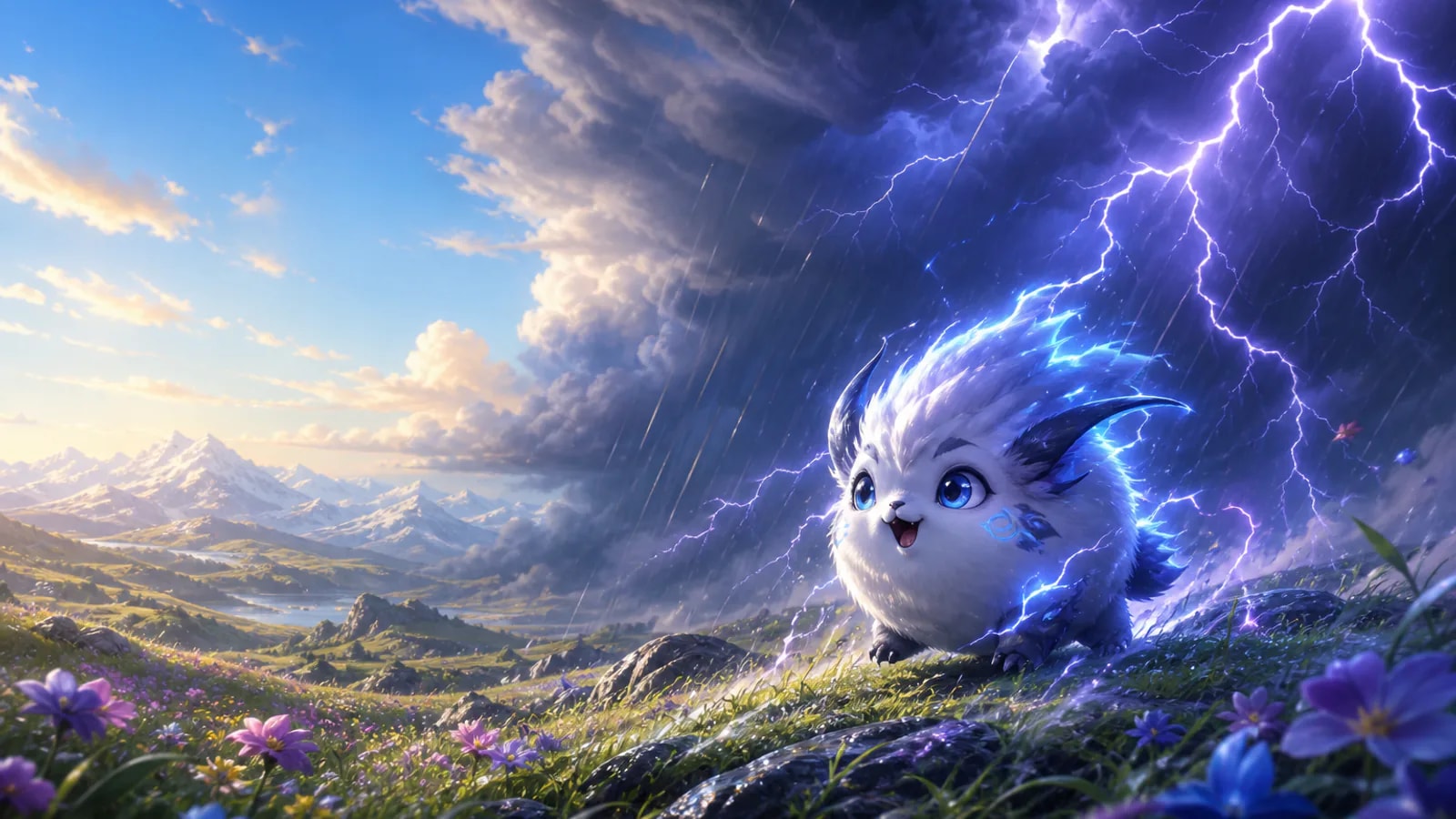
Snowfield habitat is not a live weather reading
Keep three things separate: a region with snow on the ground, a creature named Snowfield Form, and an active Snowy spawn requirement. The form name alone does not tell you whether snowfall must be active. Open the exact form’s spawn conditions and then check the forecast for the region you are actually in.
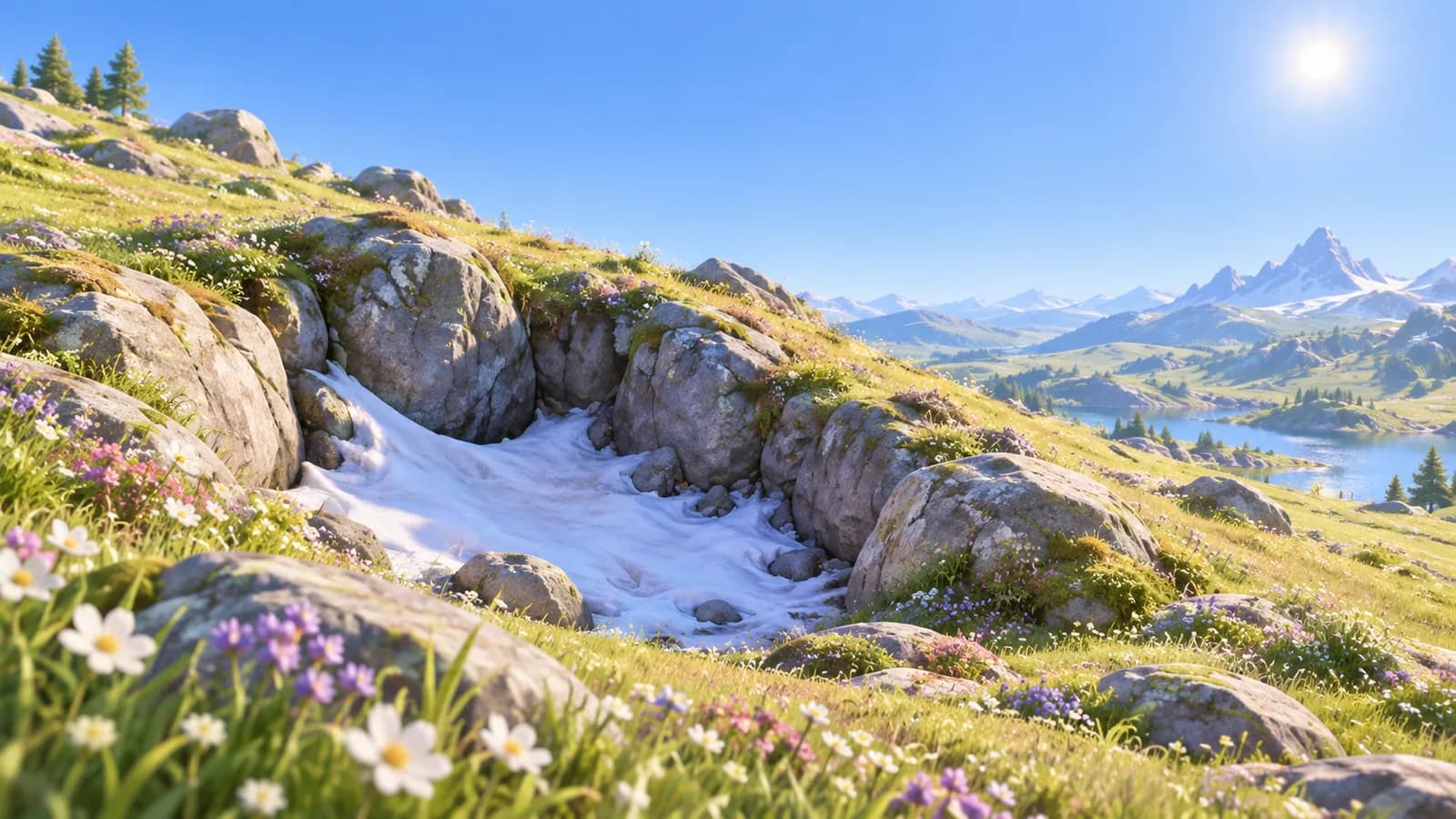
A snowy patch on the terrain
A place to search
Check the creature’s exact-form location; terrain appearance alone is not the forecast.
Snowfield Form on the Aniilog
The selected morphology
Read that form’s spawn requirements separately.
Snowy in spawn requirements
A weather condition in the current record
Use the regional forecast and search the listed habitat during Snowy weather.
A sighting reported under a clear sky
A possible local exception or version difference
Treat it as a lead until the location, form and weather can be reproduced together.
How weather works
Every region runs its own weather, shown on your HUD and in the in-game forecast. For most species most of the time it is cosmetic. For the forms below it is the spawn condition itself: they exist only while the weather holds, and the moment it clears they are gone.



Weather is also something you can change. A region’s Silver Badge unlocks Ecosystem Intervention at its Branch, and the panel it opens gets its own section further down this page.
Many Aniimo researchers know Trombers are called “Singers in the Rain” because they usually only appear by the sea on rainy days.
Day and night
The world also runs a day and night cycle, and it gates spawns on its own, separately from the sky. Nine of the 98 Aniimo answer to it with a Nighttime Form, a full entry in the same 19-name form taxonomy that holds the Rainstorm and Thunderstorm forms above, and six of the nine pick up Dark once the light goes. There are no clock windows published for the cycle, so the table names where to look rather than when.

| Aniimo | Elements at night | Where to look | Basis |
|---|---|---|---|
| Flutternym | Dark · Wind | Sea of Flowers | Night habitat on its own entry; spawn markers add Rosetower Woods |
| Gracewing | Dark · Wind | Sea of Flowers | Night spawn markers |
| Bonesky | Dark · Ice | Beast Fang Ridge | Night spawn markers; the basic form also walks Driftwise Meadow |
| Fenrier | Dark · Ice | Beast Fang Ridge, Driftwise Meadow | Basic-form habitat; no night marker on the map |
| Glynsera | Dark · Ice | Beast Fang Ridge | Night spawn markers |
| Susuta | Water | Echoback Landing | Night habitat on its own entry |
| Popota | Water | Echoback Landing | Night spawn markers |
| Piopiota | Dark · Water | The Lost Islets | Night spawn markers |
| Panpanta | Water | Echoback Landing | Basic-form habitat; no night marker on the map |











Two of the nine carry a night habitat of their own, and only one of them narrows. Flutternym drifts across the Sea of Flowers, Nimbus Fields, Mistwoods and Blitzwood as a basic form and holds to the Sea of Flowers at night; Susuta keeps the same ground after dark, staying on Echoback Landing, where Popota and Panpanta keep it company. The other seven publish no night habitat, so the table falls back to night spawn markers, and to the basic form’s ground for the two the markers miss.


Rain
Rain wakes the water-loving forms: Rainstorm variants and coastal singers that stay hidden under a clear sky.
- Lv 5–15
Nimbus Fields
- Lv 14–20
The Argent Strait
- Lv 16–23
Forest of Falling Stars
- Lv 19–28
Sea of Flowers
- Lv 45–50
Tideblossom Coast
- Lv 51–55
Crescent Bay
















Thunderstorm
Thunderstorms are the efficient weather to hunt in. They carry the full rain list in Nimbus Fields, the Argent Strait, the Forest of Falling Stars, Sea of Flowers and Tideblossom Coast, and add two Thunderstorm forms that rain alone will never give you.
- Lv 23–30
Beast Fang Ridge
- Lv 30–38
Echoback Landing




Snow
Snow is the narrowest of the three and the most concentrated: three regions, every spawn a Highland form, and every one of them picking up Ice as a second element. Russet Highlands alone accounts for five of the seven.
- Lv 38–42
Driftwise Meadow
- Lv 39–43
Rosetower Woods
- Lv 39–44 pocket
Russet Highlands
- Lv 40–45
Russet Highlands







Pawney sits in a level pocket that runs 39 to 44, slightly below the region’s headline band, so it can appear on a patch of Russet Highlands the overview row does not describe.

- Rain
- Thunderstorm
- Snow


- Nimbus Fields5 to 15
- Rain
- Thunderstorm
- The Argent Strait14 to 20
- Rain
- Thunderstorm
- Forest of Falling Stars16 to 23
- Rain
- Thunderstorm
- Sea of Flowers19 to 28
- Rain
- Thunderstorm
- Tideblossom Coast45 to 50
- Rain
- Thunderstorm
- Crescent Bay51 to 55
- Rain
- Beast Fang Ridge23 to 30
- Thunderstorm
- Echoback Landing30 to 38
- Thunderstorm
- Driftwise Meadow38 to 42
- Snow
- Rosetower Woods39 to 43
- Snow
- Russet Highlands40 to 45
- Snow
- Russet Highlands (Pawney)39 to 44
- Snow
Changing the weather yourself
Every region’s Branch can rewrite its own sky once you earn the right. The Silver Badge unlocks Ecosystem Intervention for that area, and the Branch screen grows a Change Weather button beside Nurture.
Obtain the Silver Badge to unlock Ecosystem Intervention for the area. Use Vein energy to change the area’s weather. Radiant Prismana Flow will attract rare Prismana Aniimo.
- 1Open the Branch
Walk up to it in the world, or open the map, tap the Branch marker and choose Go to Infuse Energy.
- 2Hit Change Weather
The button sits in the bottom-left corner of the Branch screen, next to Nurture.
- 3Pick a region and a weather
Select the region from the list, pick a weather icon along the top, and confirm. The sky swaps on the spot.
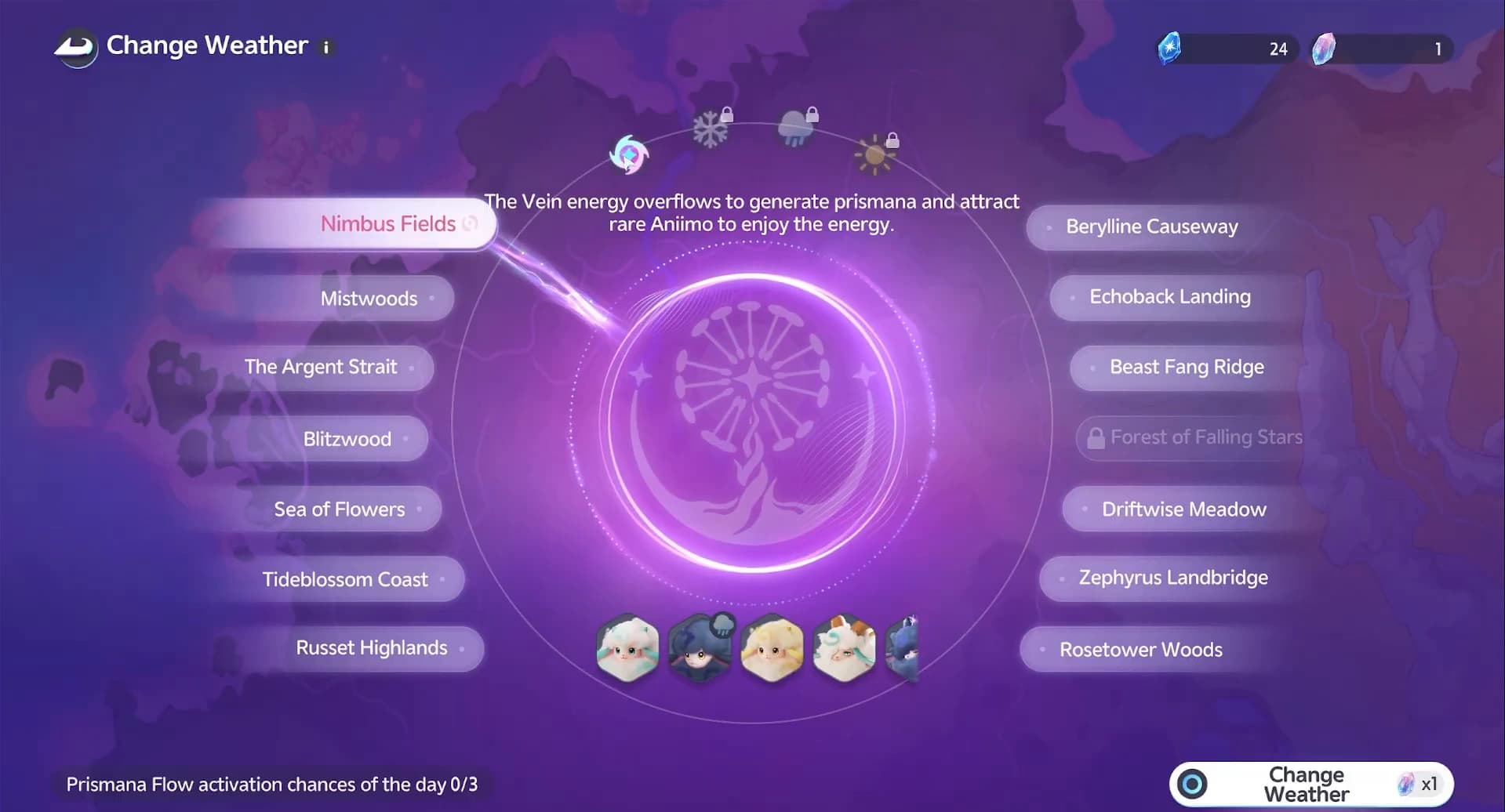
The panel carries icons for Prismana Flow, snow, rain and sunny weather, with padlocks over the ones you have not opened yet, and regions you have not progressed stay locked in the list too. Two currencies sit in the top corner: Vein Essence and the Prismana Crystal.


Triggering a Prismana Flow: Blazen in Blitzwood
Prismana Flow is the option that matters. One Prismana Crystal per press, at most three activations a day with a one-minute cooldown, and the counter on the panel tracks how many you have spent. Pick the region whose form you want before you pay: Blazen’s Prismana form lives in Blitzwood, so Blitzwood gets the crystal.

Activation is quiet. No screen shake, no fanfare, just a small "A Prismana Flow is active now" line, the flow icon beside the region’s name, and an aurora marker on the region when you hover it on the map.
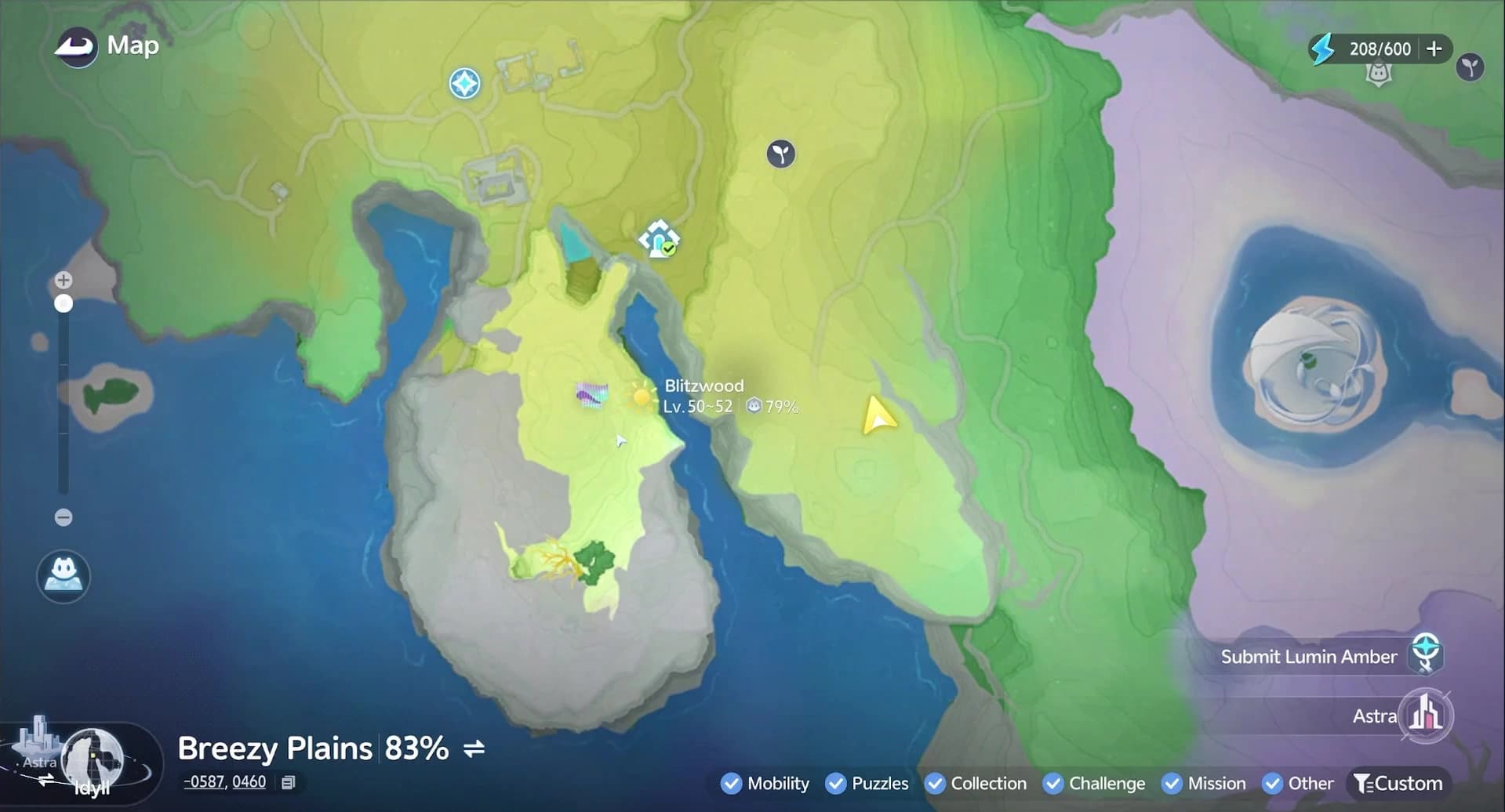
The region’s weather card settles any doubt. It names the active weather with its window (this Flow ran 11:00 to 14:59 server time), lists the special weather due over the next 24 hours in four-hour blocks, and its Track Weather button pins the region so the slot does not slip past you.
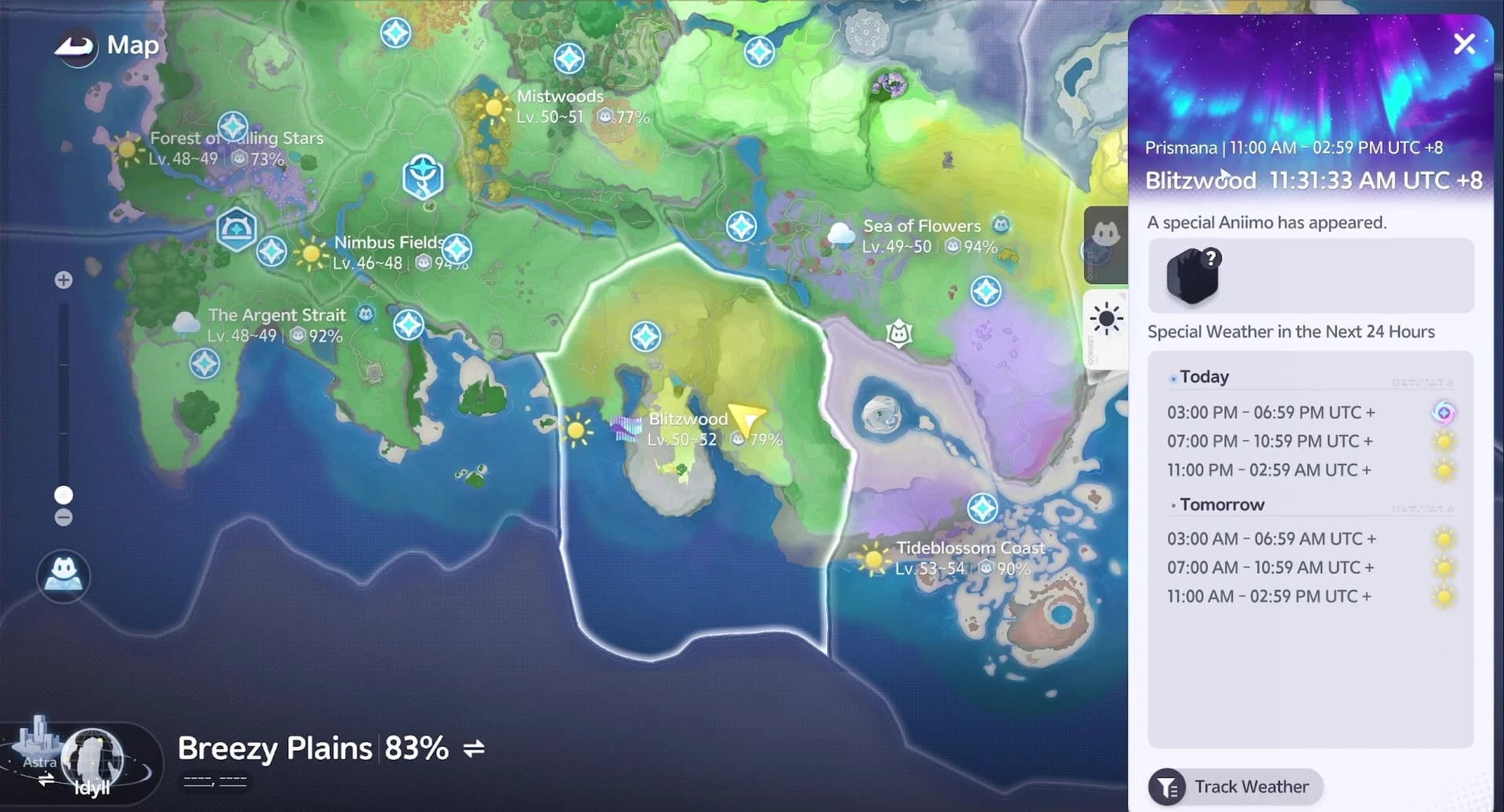
While the Flow holds, Blitzwood’s Prismana Blazen walks its usual ground, and its Forms entry carries the exact location clue. The catch itself, the one-spawn rule and the Sparkling Cube trick are covered in the Prismana guide.

The fourth weather
One more weather changes spawns, and it is rare enough to deserve its own guide. Under Prismana Flow, a region’s rainbow-sheened Prismana form appears in the wild. The panel above triggers it on demand; where each form lives, the free Nurture route and the Prismatic Energy gauge are all covered in the Prismana Flow guide.
Frequently asked
What Aniimo only appear when it rains?
Nine spawns across six regions are rain-gated, from Nimbi and Turbo in Nimbus Fields to Coraliz and Reefish in Crescent Bay. Most carry a Rainstorm or Highland form rather than their basic typing.




Is a thunderstorm better than rain for hunting weather spawns?
Yes, everywhere except Crescent Bay. A thunderstorm reproduces the full rain list in five regions and adds two Thunderstorm-only forms, Scorchhowl and Sherro, that rain never triggers.


Which Aniimo have a snow-exclusive form?
Seven spawns across three regions: Pomegg in Driftwise Meadow and Rosetower Woods, and Baleetle, Helmut, Rookey, Waleetle and Pawney in Russet Highlands. Every one of them adds Ice to its basic typing.





Can I change the weather in a region myself?
Yes, once you earn that region’s Silver Badge. Ecosystem Intervention adds a Change Weather panel to the Branch with icons for Prismana Flow, snow, rain and sunny weather. Prismana Flow costs one Prismana Crystal and caps at three activations a day; the rest of the sky runs on four-hour forecast blocks you can read from any region’s weather card.